Together
Make it together. Live.
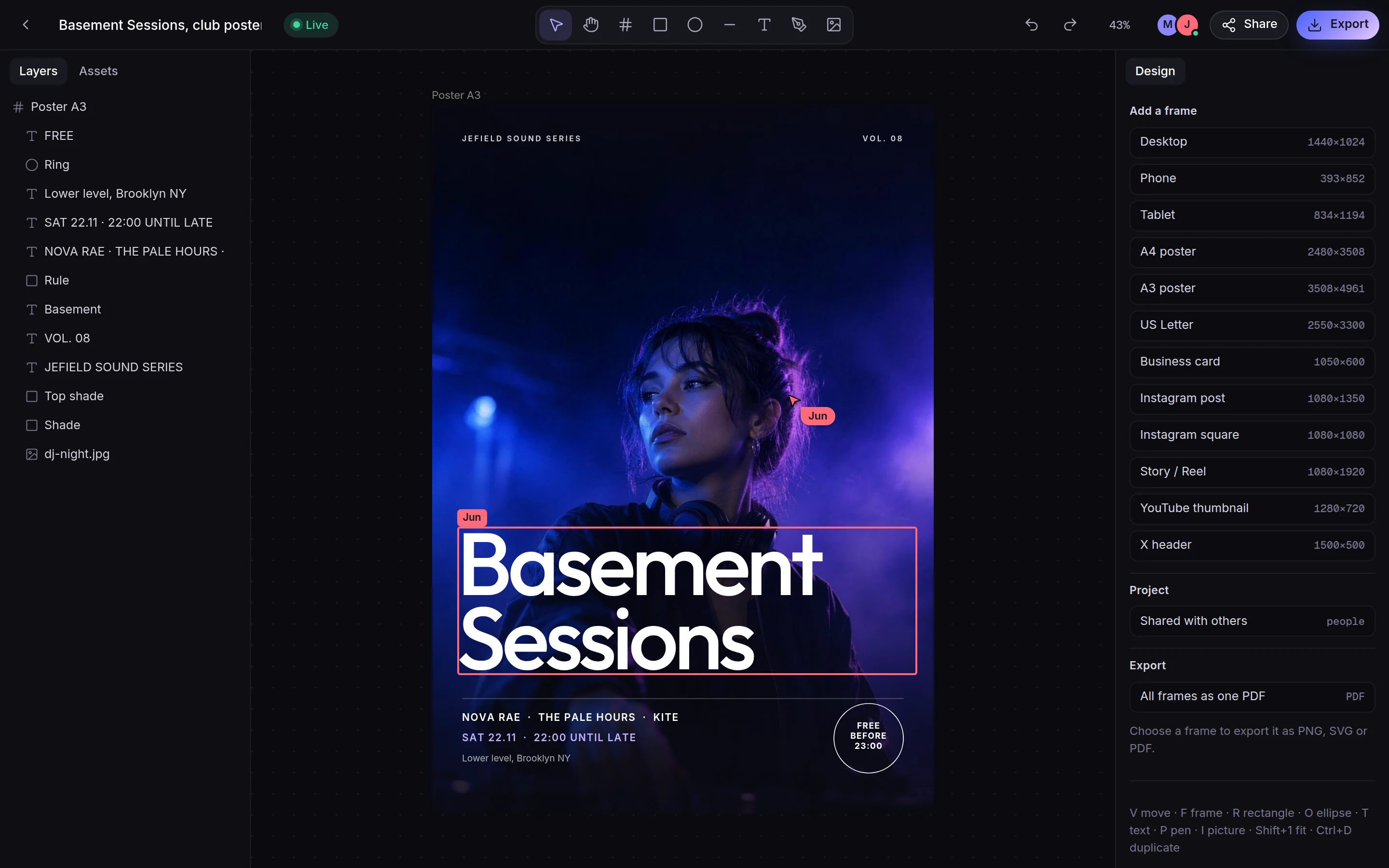
Share a project and send the link. Whoever opens it is there with you: their cursor and name on your screen, and comments as in Figma.
- Edit links and view-only links
- Only that project is shared, never your library
Who it's for
DesignersA canvas, a photo editor, every versionArtistsEvery work, every edit, keptMusiciansSound, covers and flyers in one placeFoundersBuild a brand you can hand to anyoneStudiosEvery editor and every file in one placeStudentsFree, with every version keptUse cases
MoodboardsCollect, lay out, see the directionBrand identityFrom brief to brand sheetPosters and socialOne idea, every formatArchive and portfolioEverything you made, kept as it wasDesign, photo, layers, video, motion, sound, documents, PDF and code, in one app: in your browser, and on Windows, Mac, Android and iPhone. Every version kept. Free.
 ExamplePhotoAdjustment layers, masks and a Develop panel.
 ExampleDesignPosters, covers and brands, at every size.Example footageSoundTrim, fade, level, and clean up a voice.
What you can make
Every picture here is the app itself, photographed as it is today.
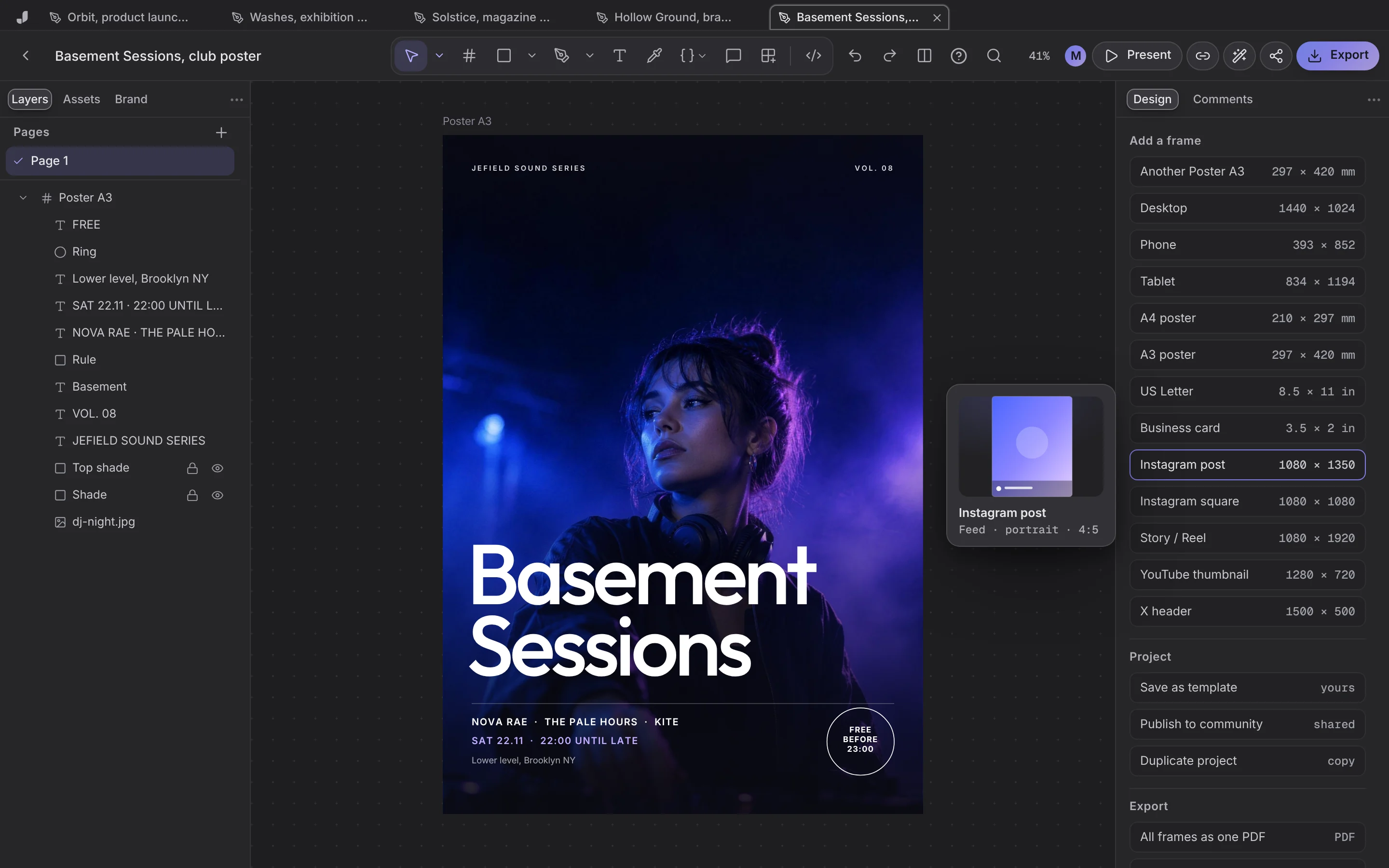 DesignPosters, brands, posts and decks on a board. Pen, booleans, components, every size.
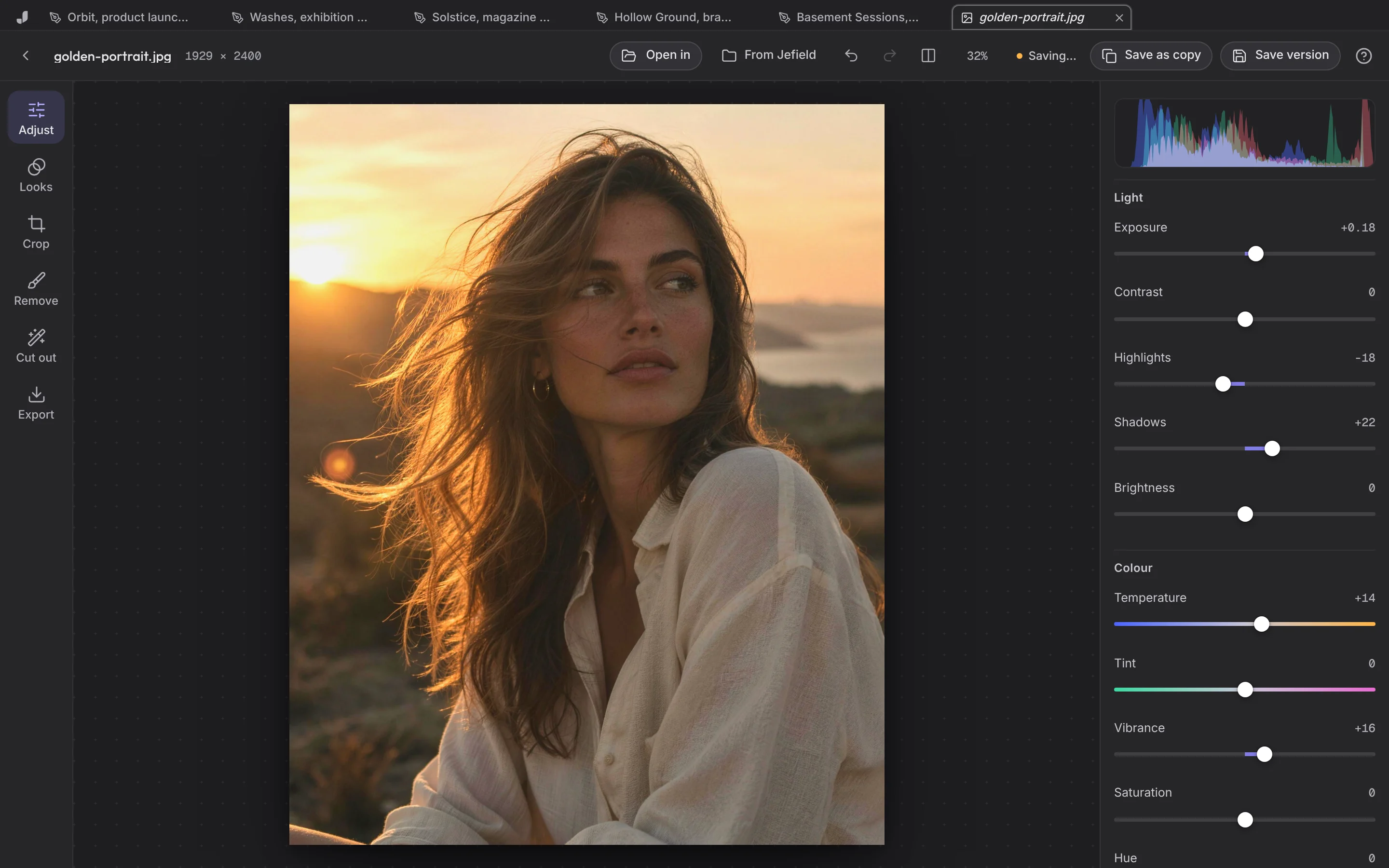 Photo and LayersQuick fixes, or layers, masks and PSD files.
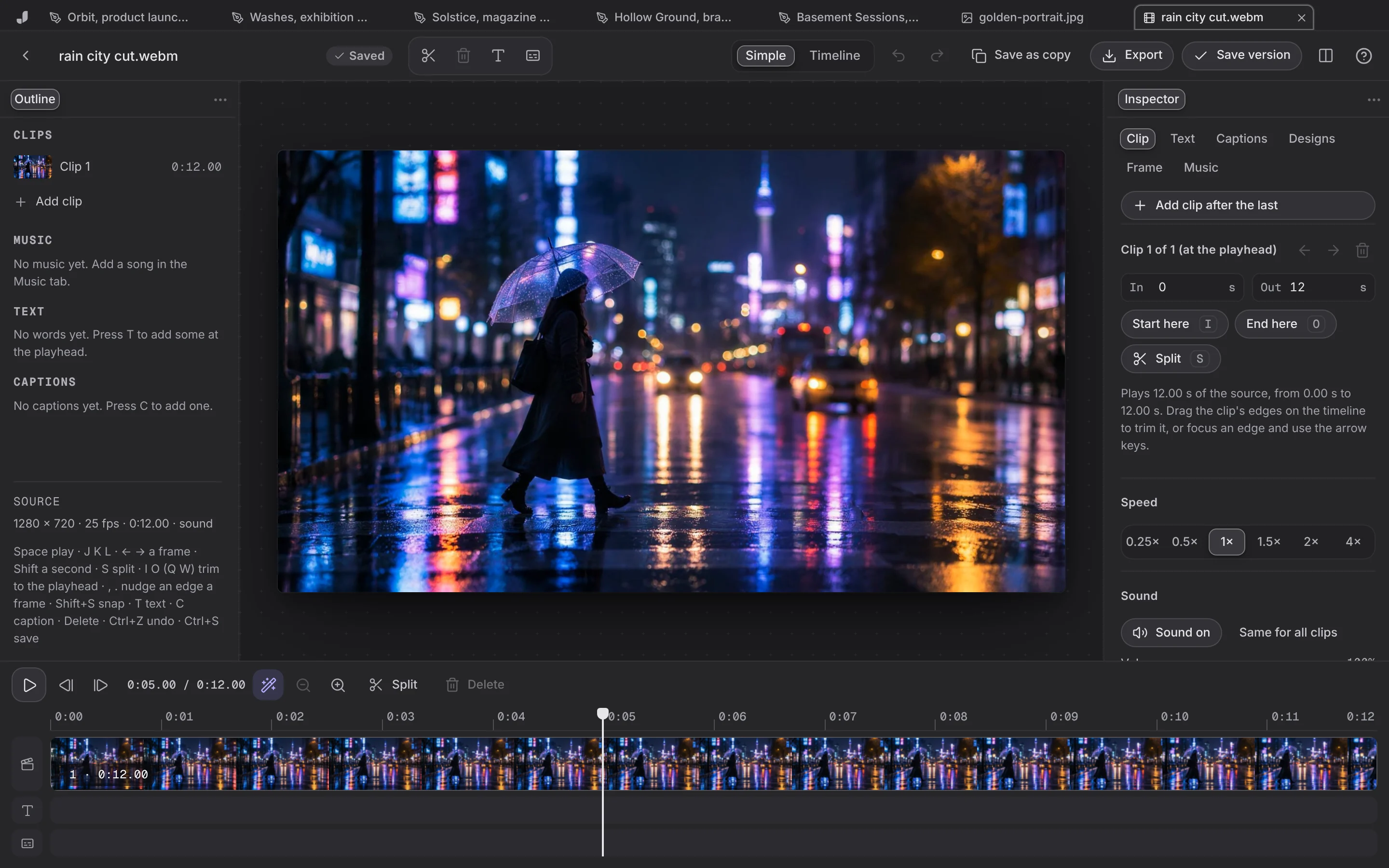 VideoA multi-track timeline with Premiere's tools and keys.
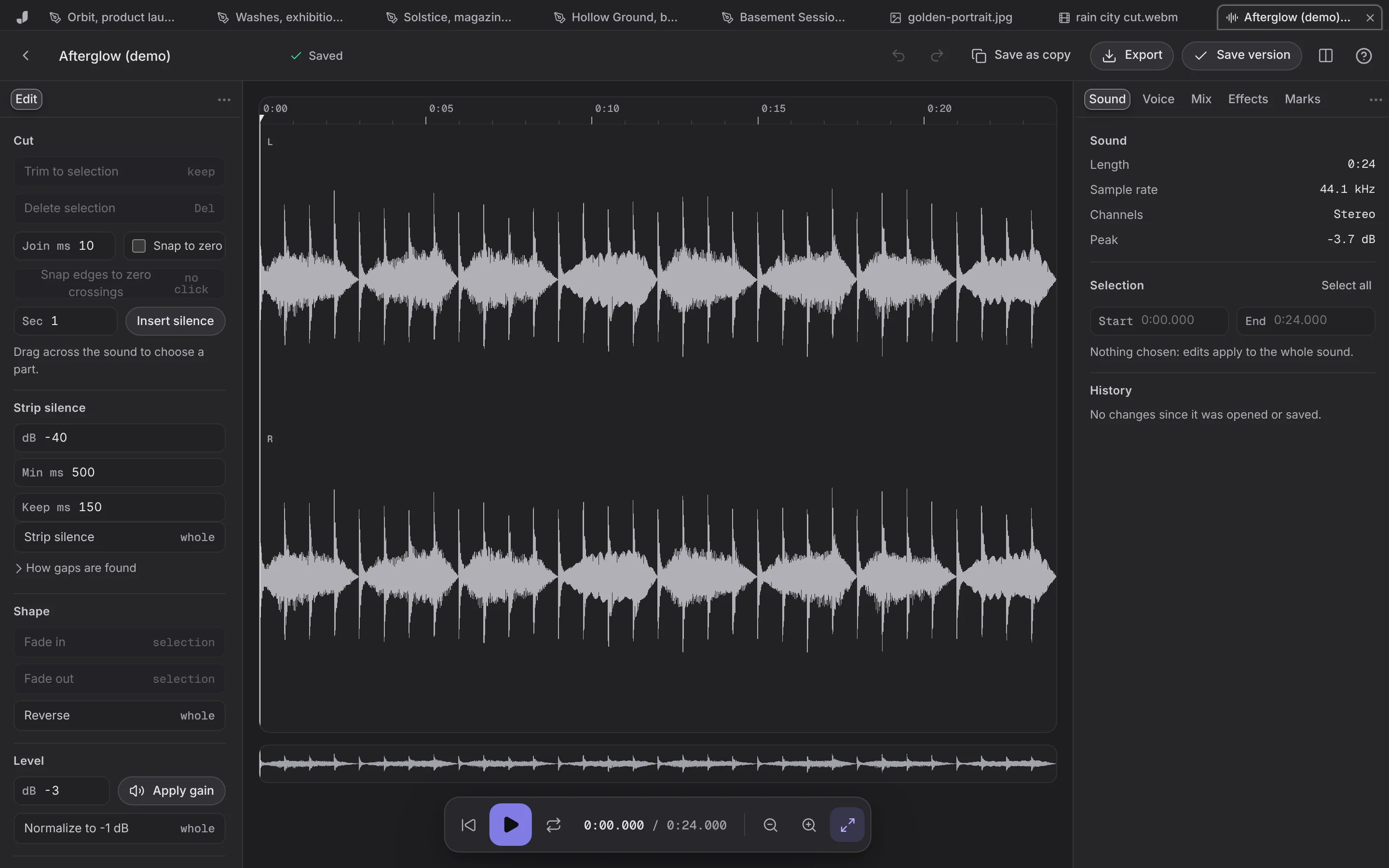 SoundTrim, fade, level, record, clean up.
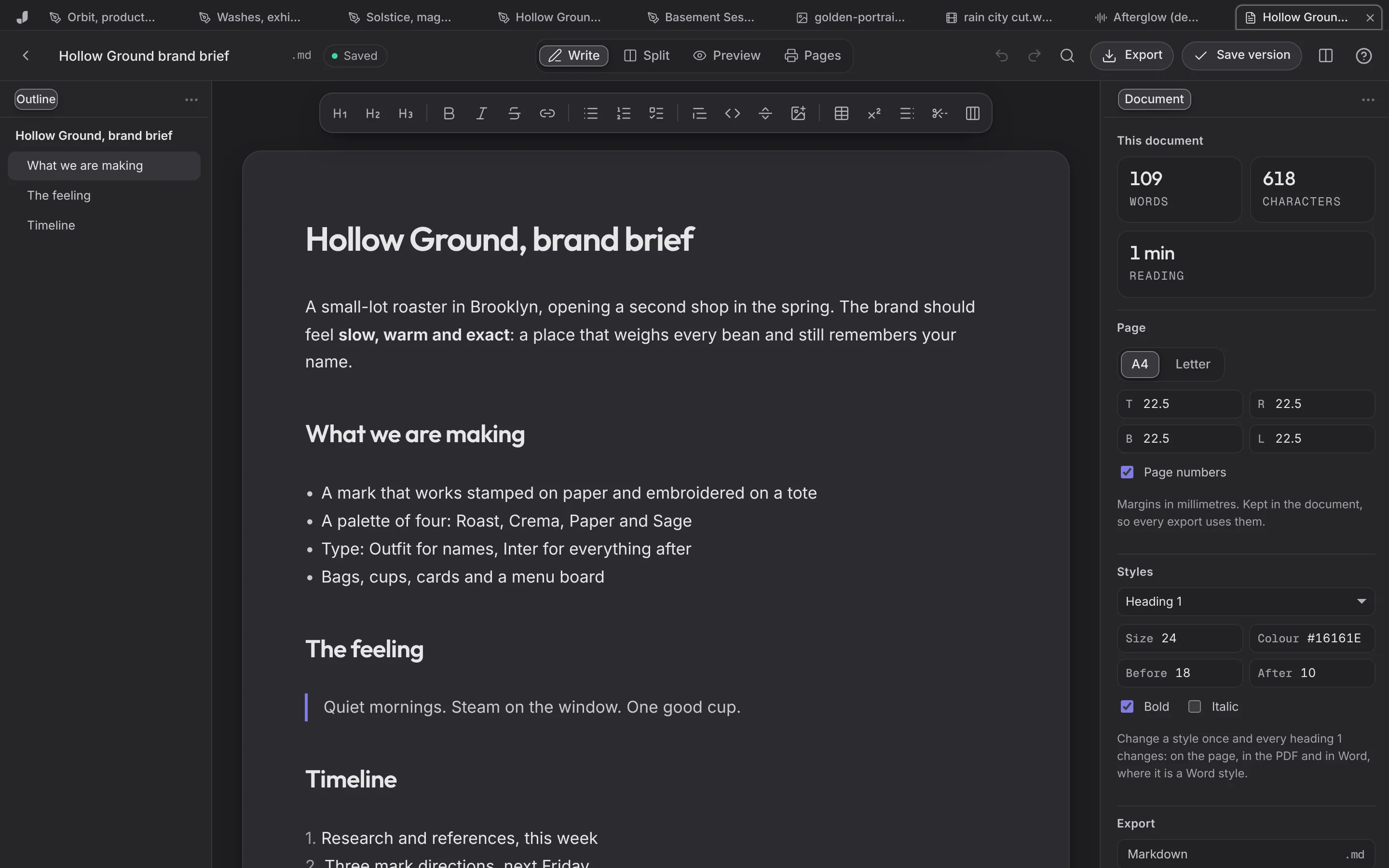 DocsMarkdown, text and Word on a real page.
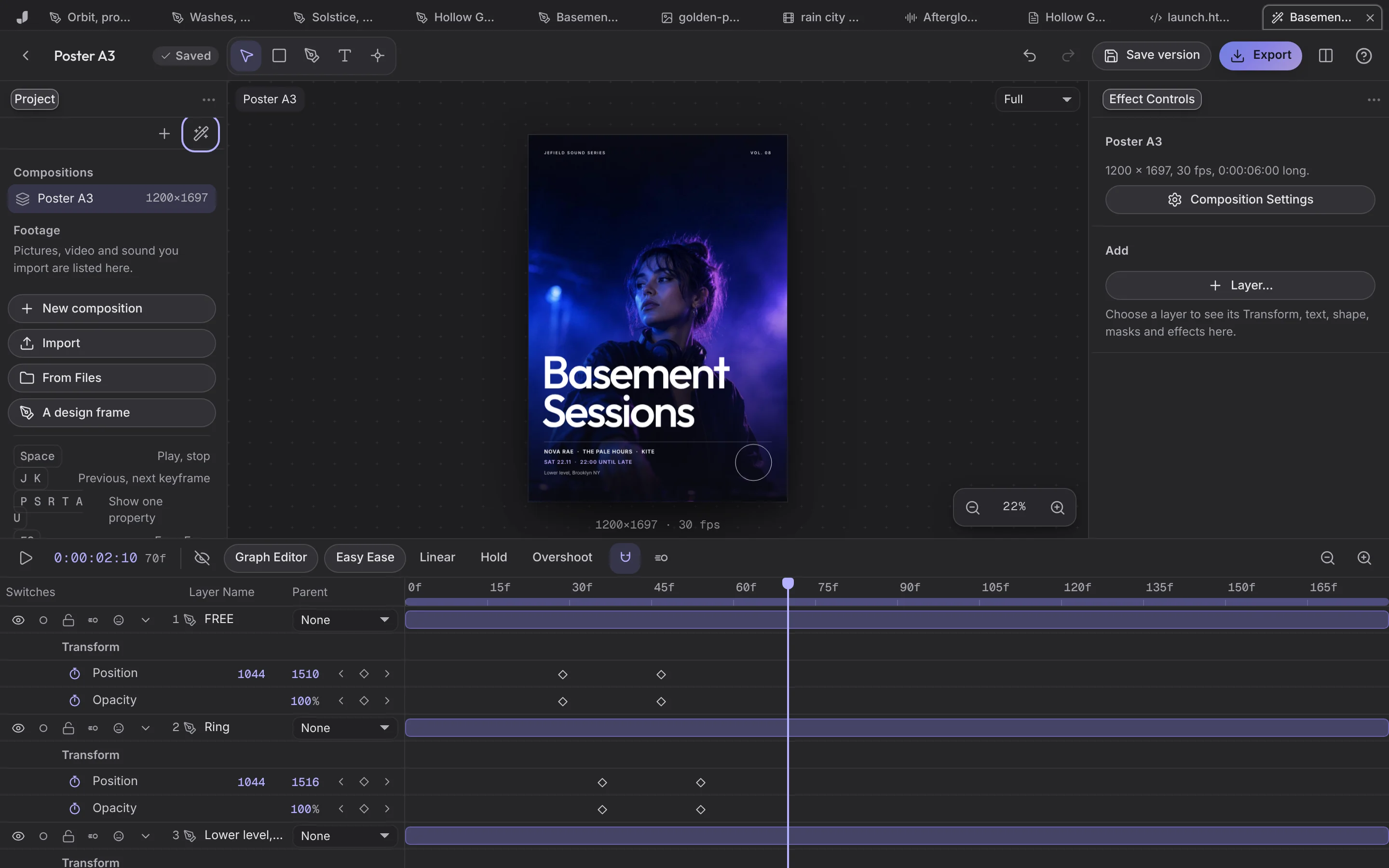 MotionKeyframes, Easy Ease, a Graph Editor.
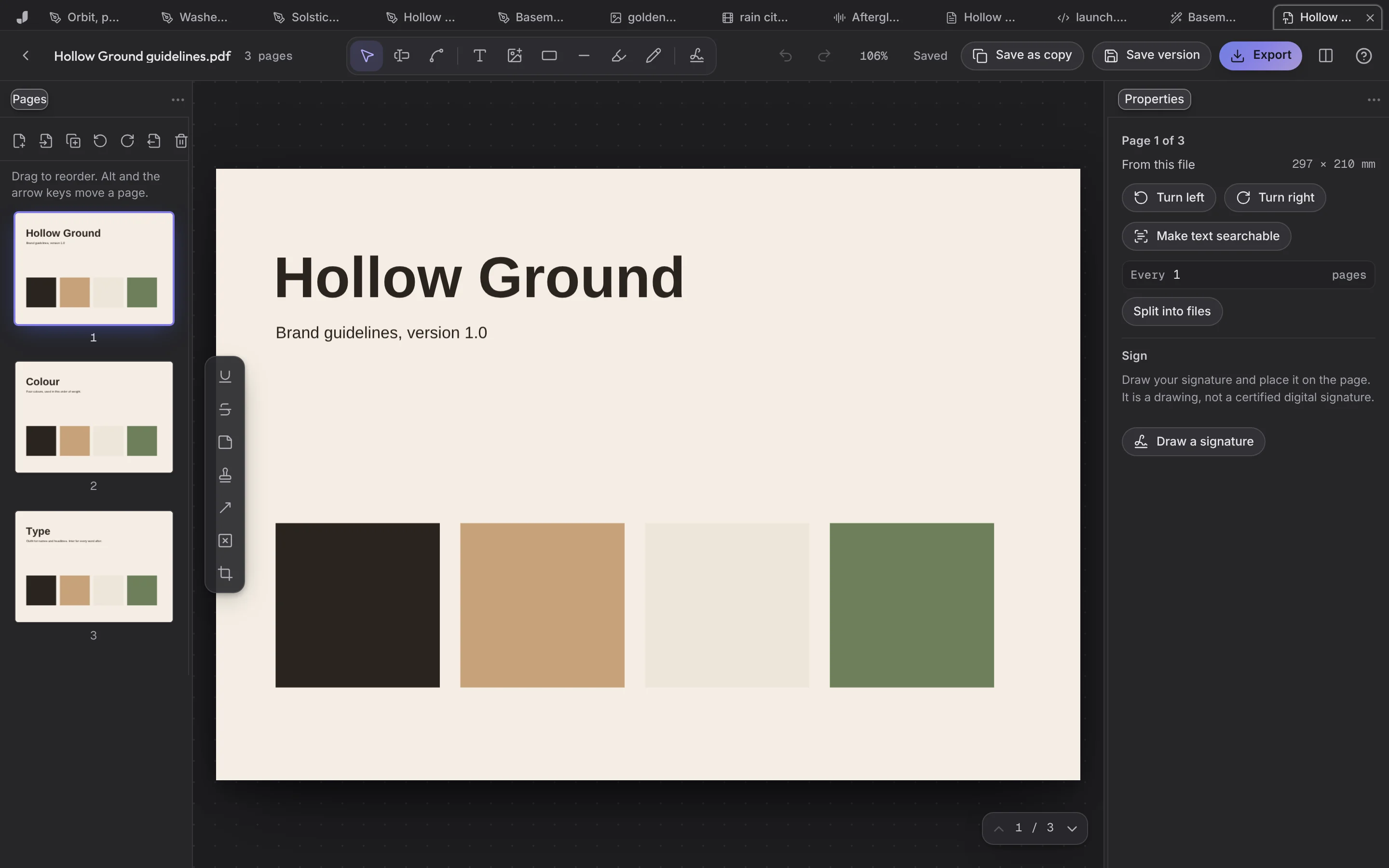 PDFPages, words, forms and signatures.
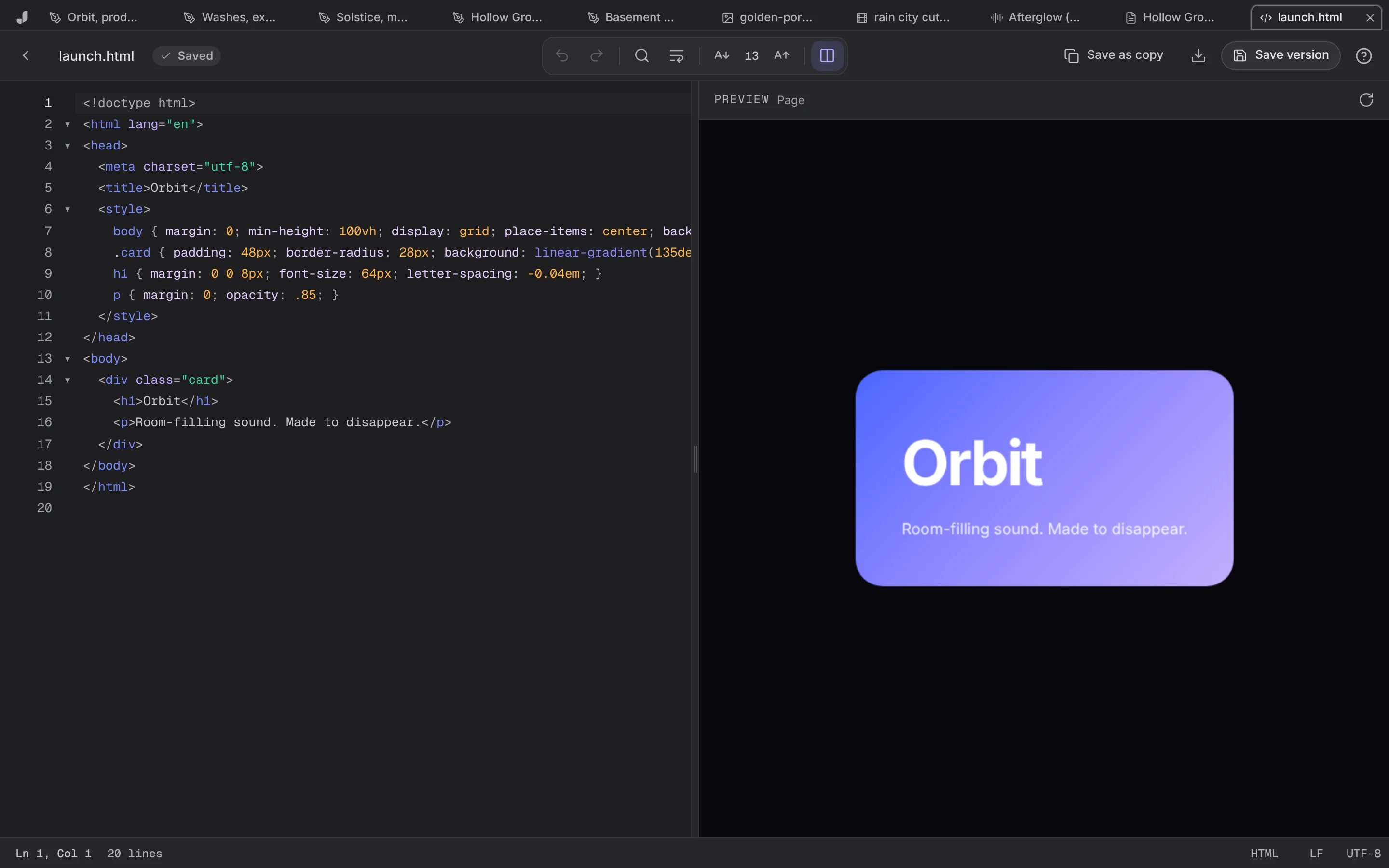 CodeA site with its live preview; a frame as HTML and CSS.
Look closer
Each one saves the next version, so nothing is ever lost.
Sequences on V and A tracks with razor, ripple, roll, slip and J/K/L. Compositions with keyframes, a Graph Editor, masks and track mattes. Out as MP4, WebM, GIF or Lottie.
The footage shown is example footage.
Examples
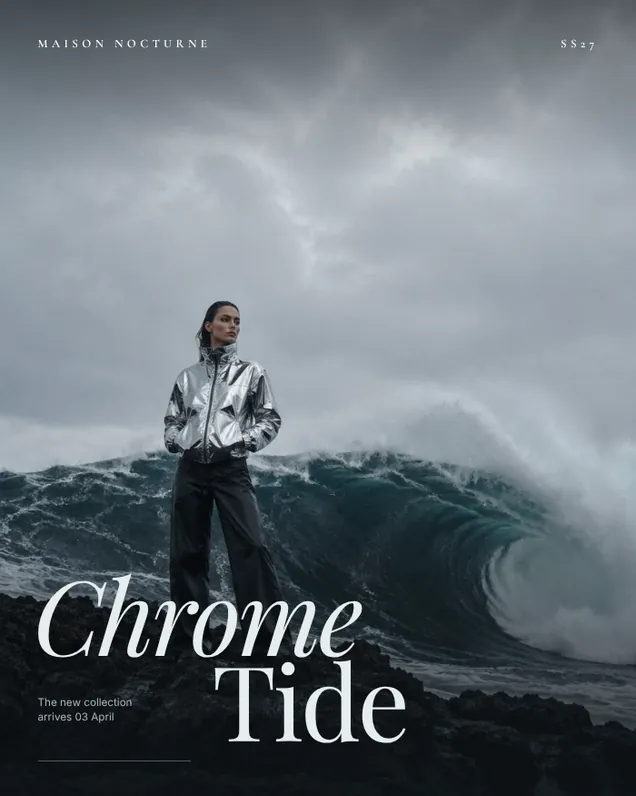
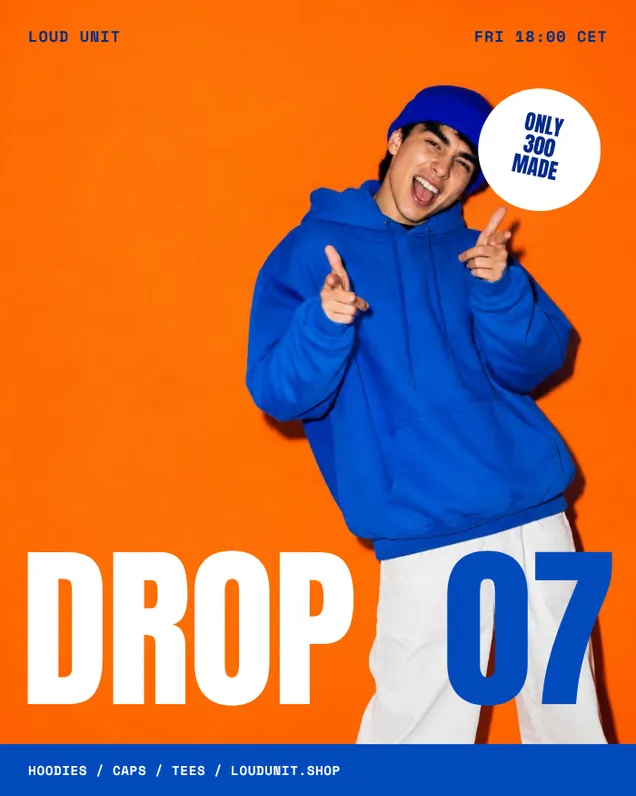
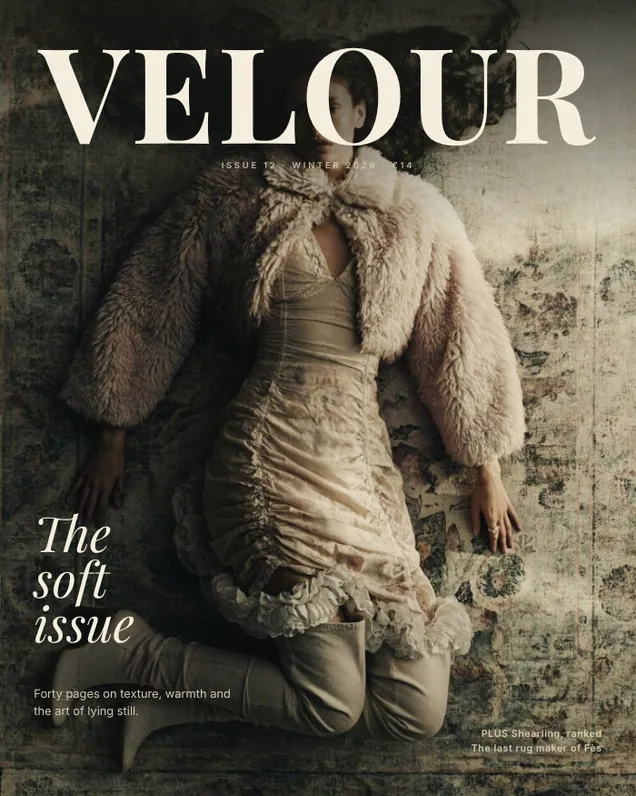
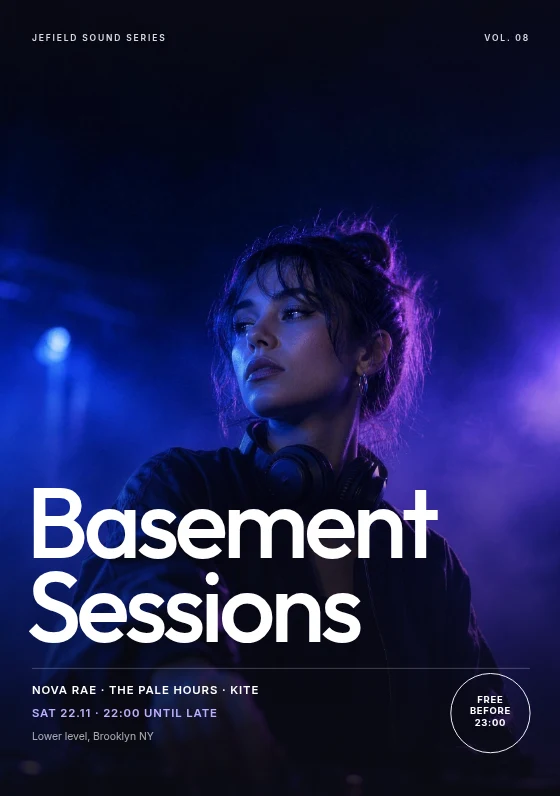
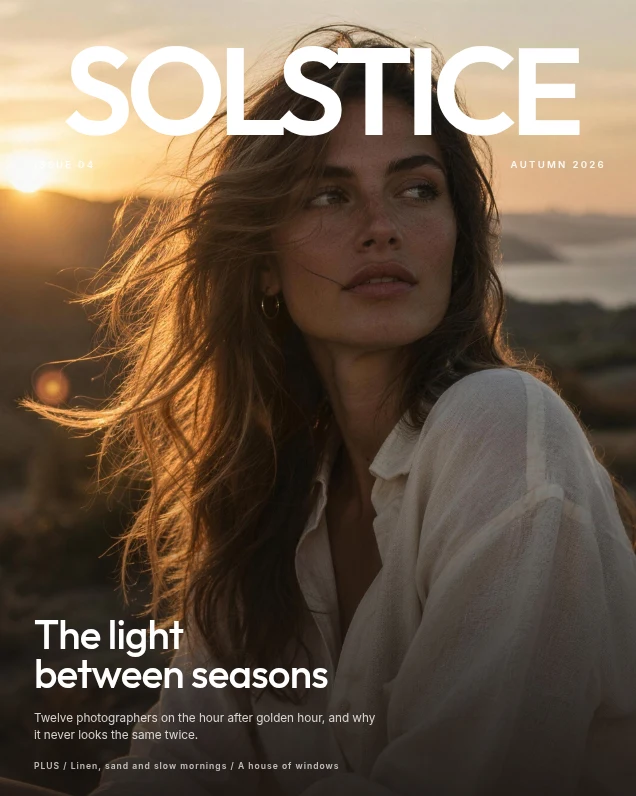
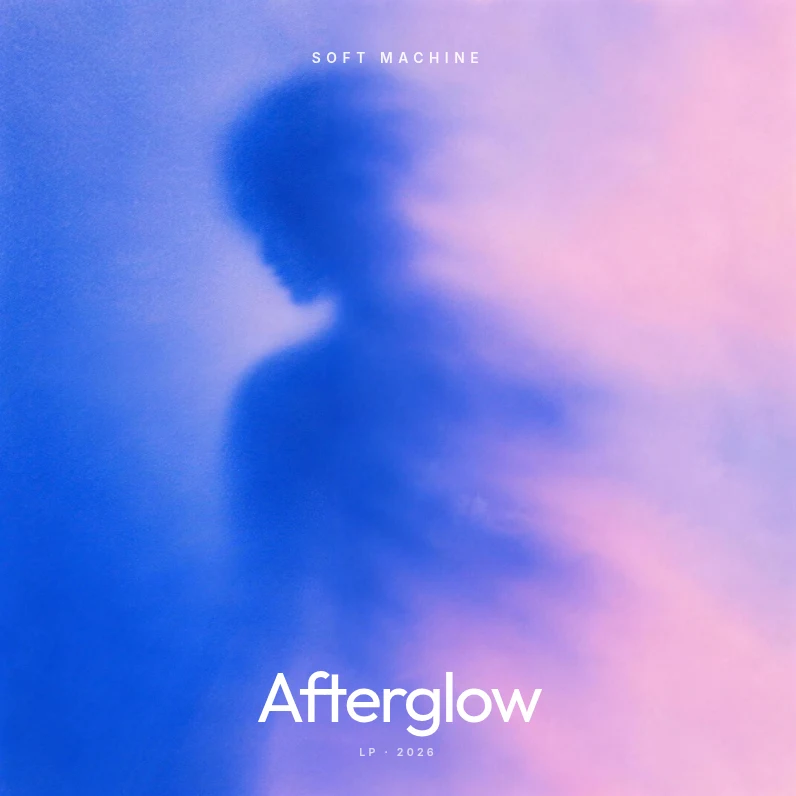
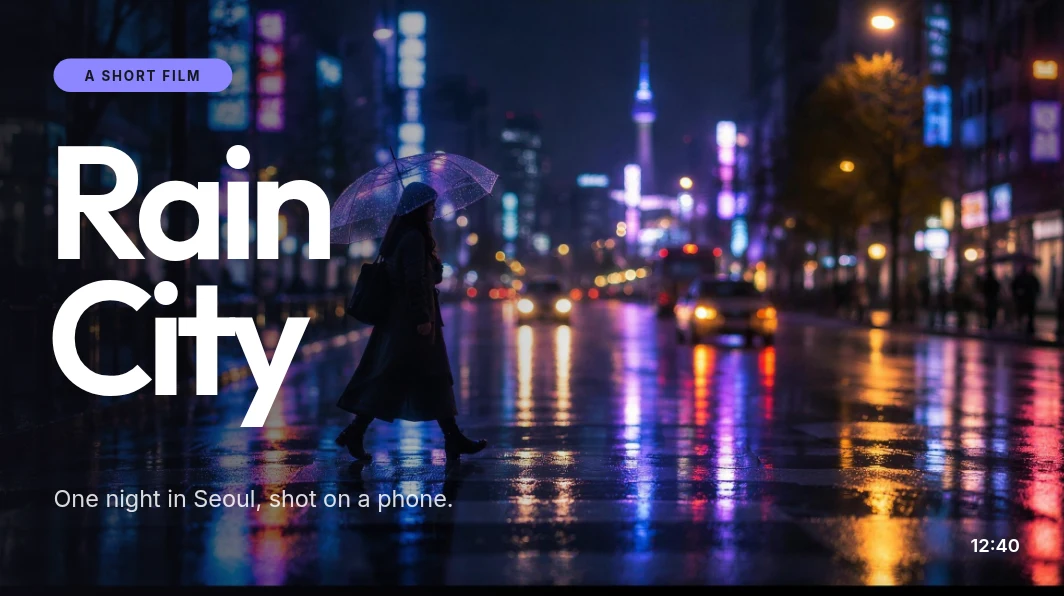
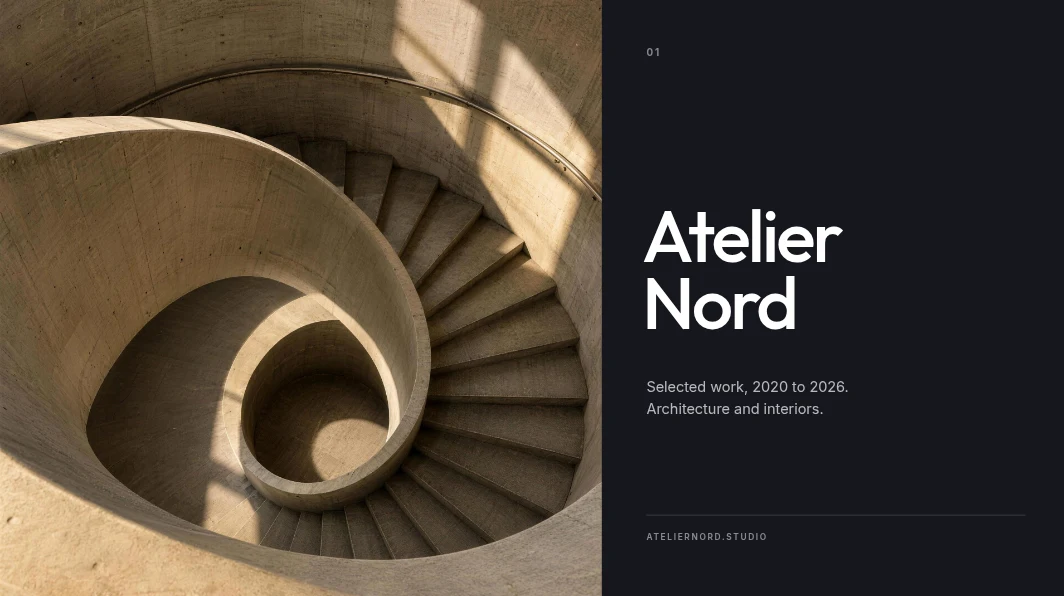
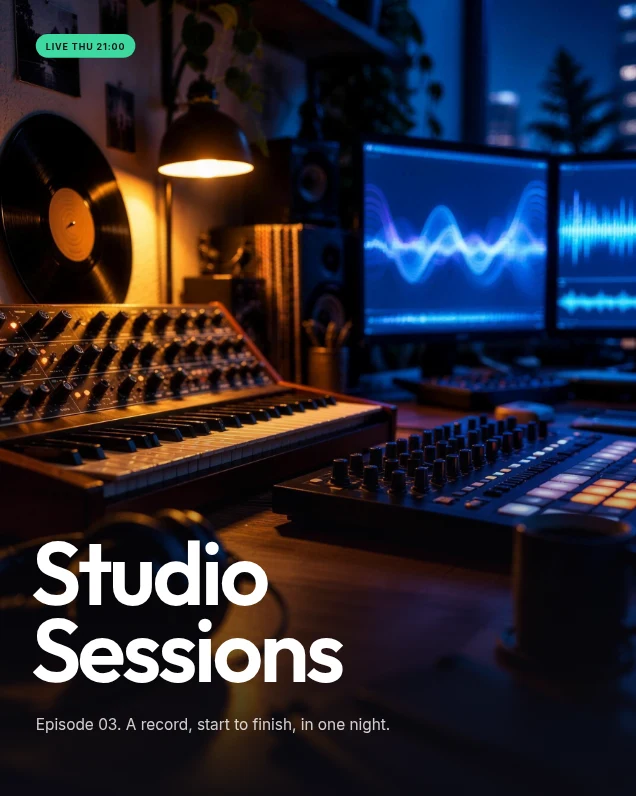
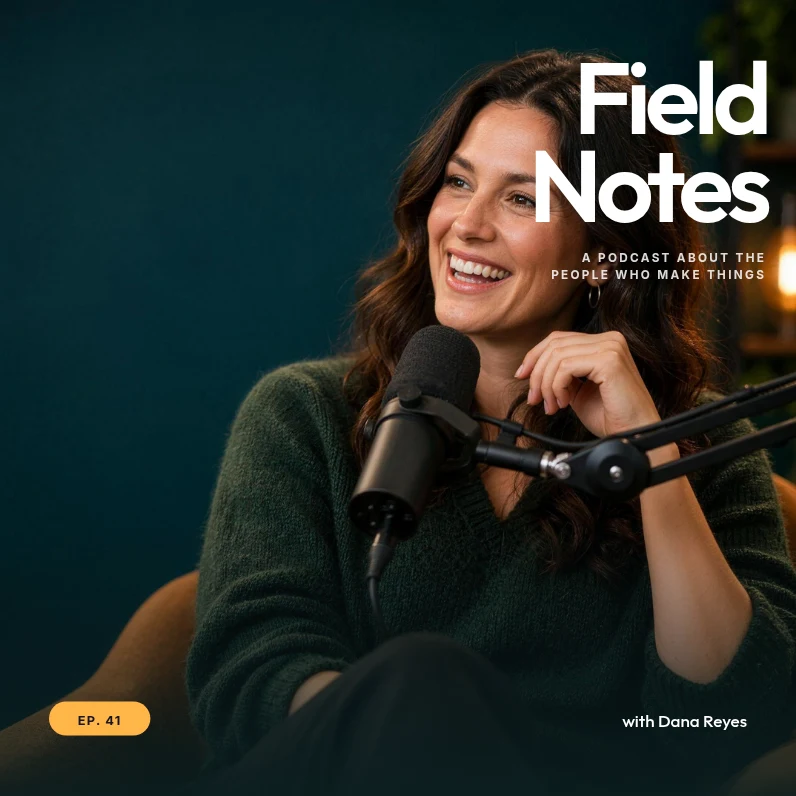
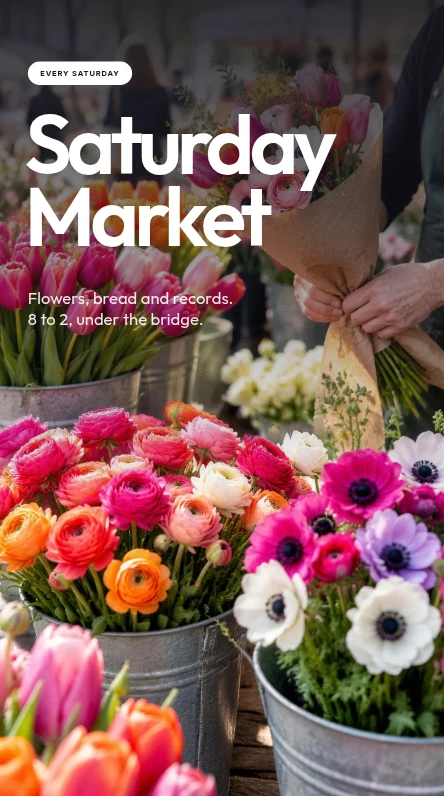
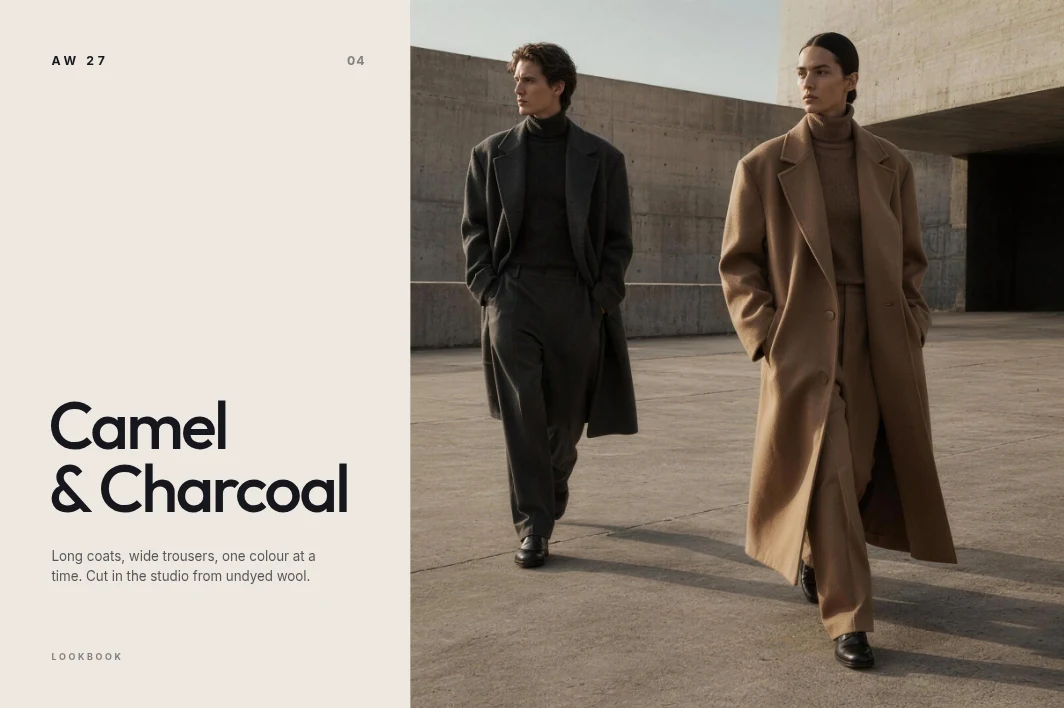
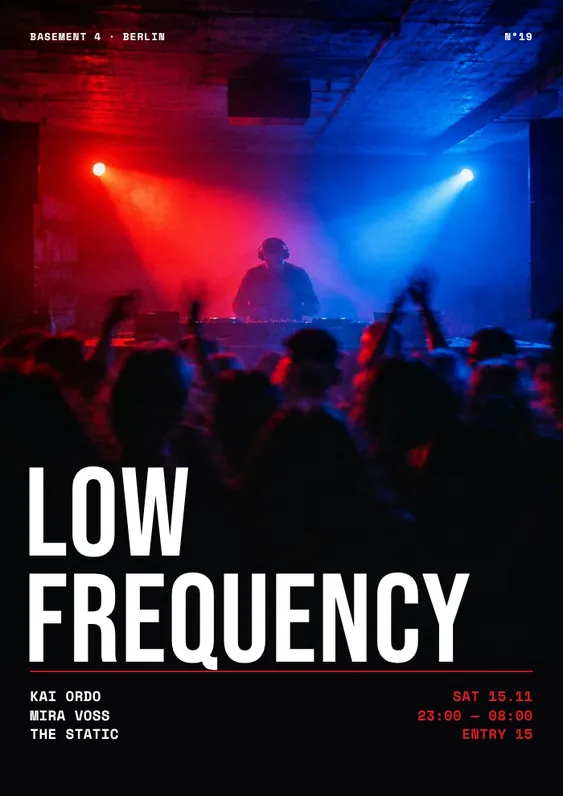
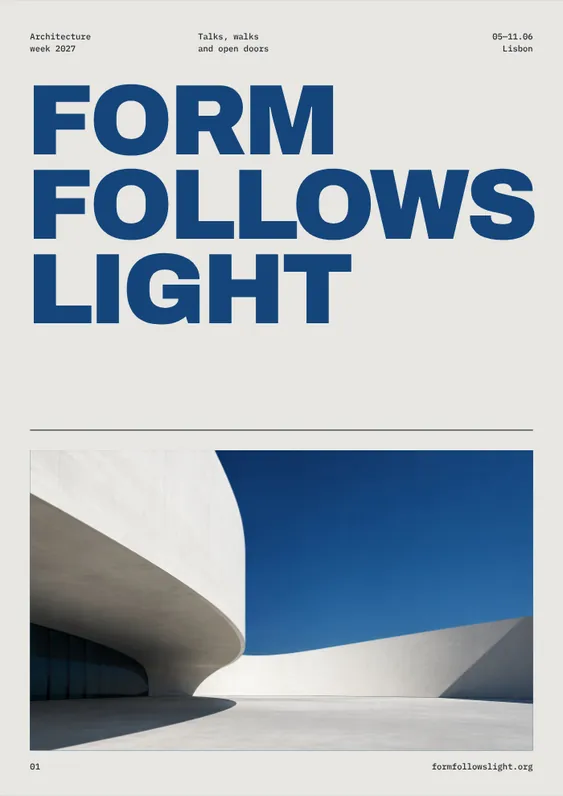
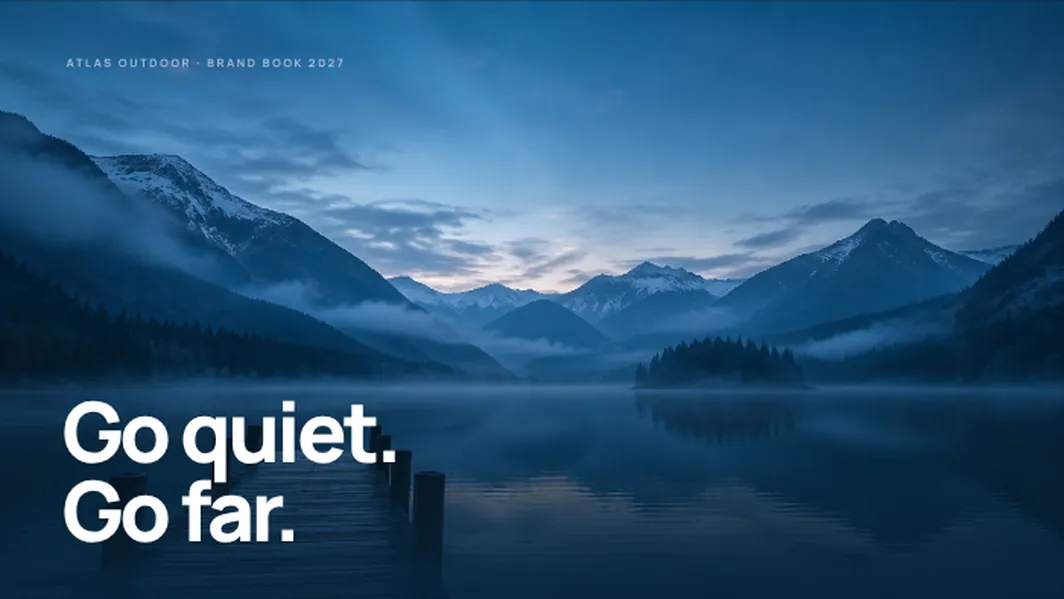
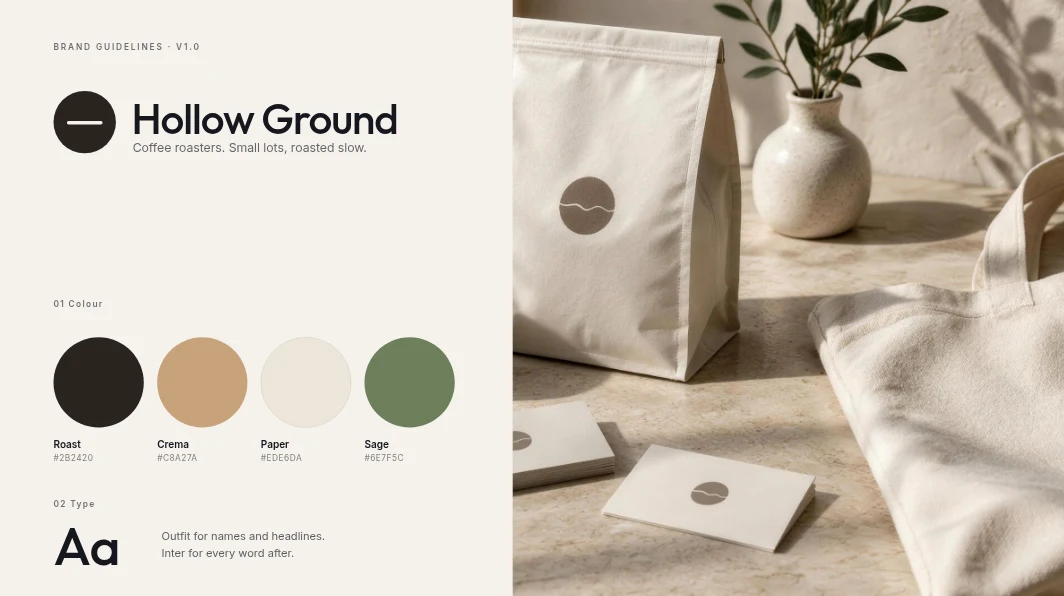
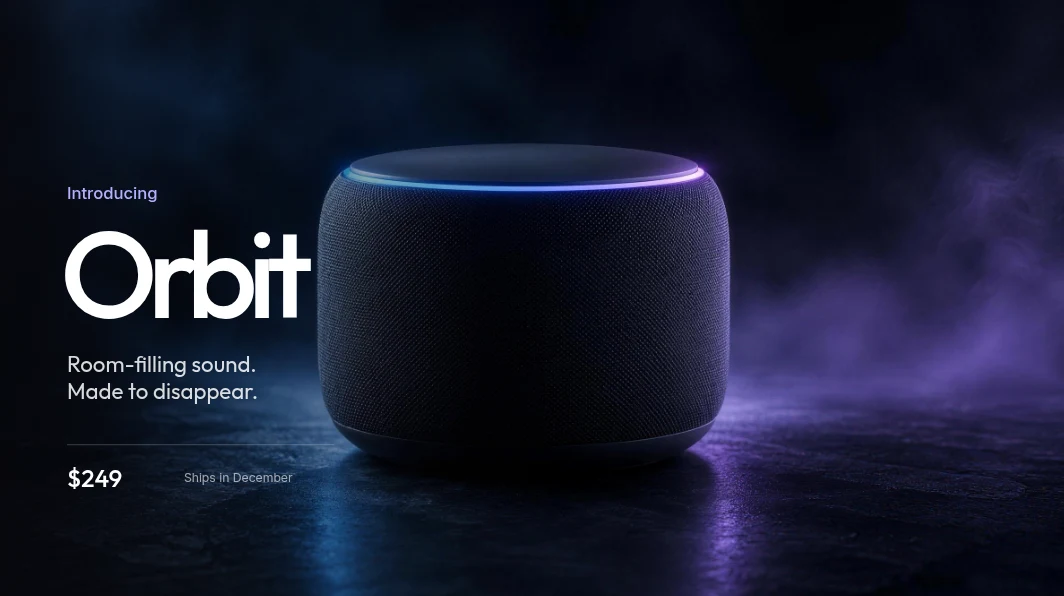
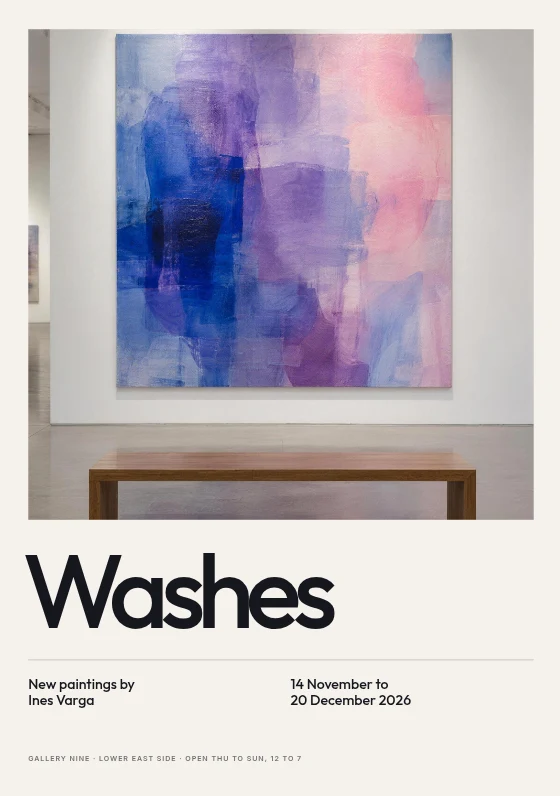
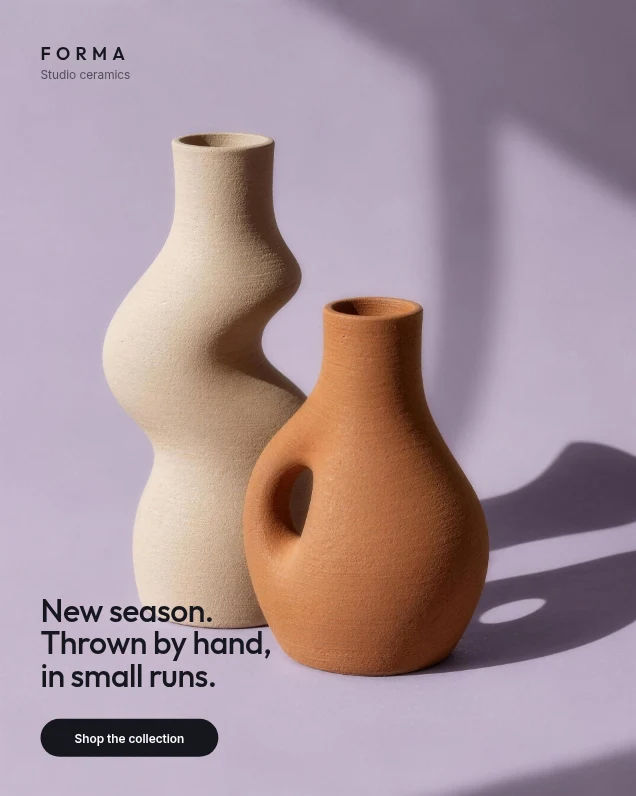
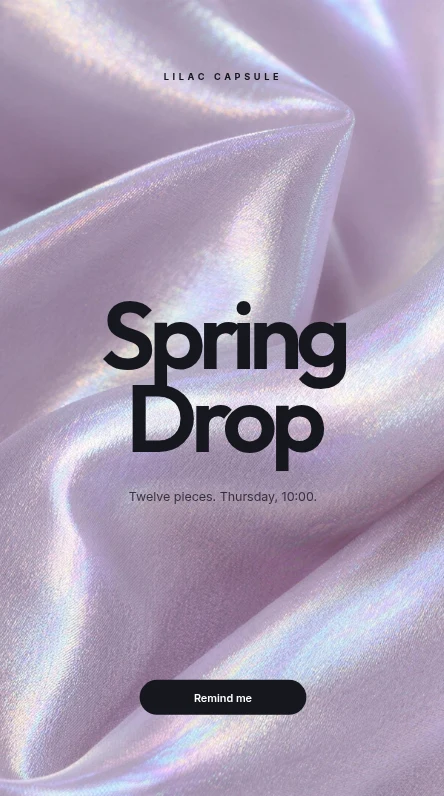
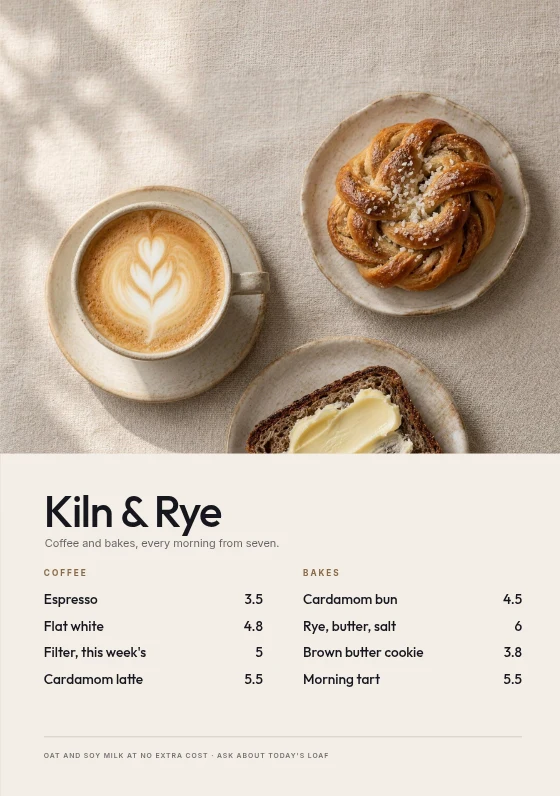
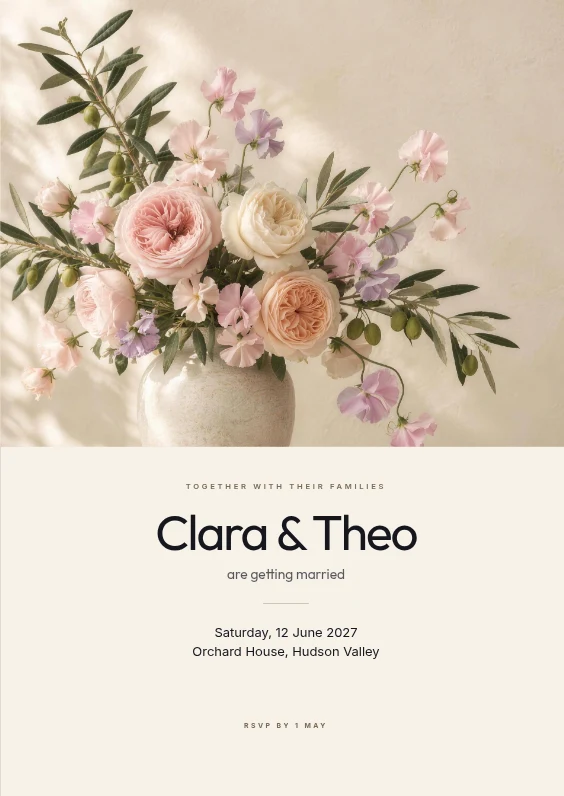
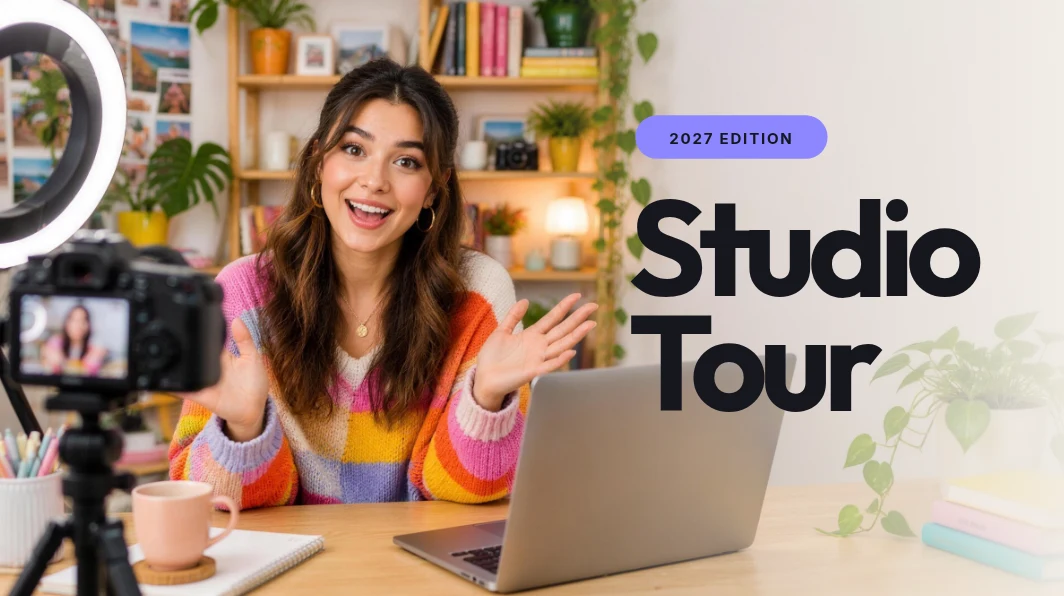
Flyers, covers, ads, menus and sites: the briefs Jefield's editors are built for. These examples were made with AI image tools to show the range. They were not made in Jefield.
ExampleExample Example
 Example
 Example
 Example
 Example
 Example
 Example
 Example
Templates
Fifty-three templates made in the Jefield studio, forty-four of them with photographs you can replace, recolour or cut out, and smart mockups that wear your design. Use one and it's yours.



Together
Share a project and send the link. Whoever opens it is there with you: their cursor and name on your screen, and comments as in Figma.
Brand
Drop your brand guidelines PDF, a logo or any picture of your brand. Jefield reads its colours, type and rules on your device, and your templates wear them.
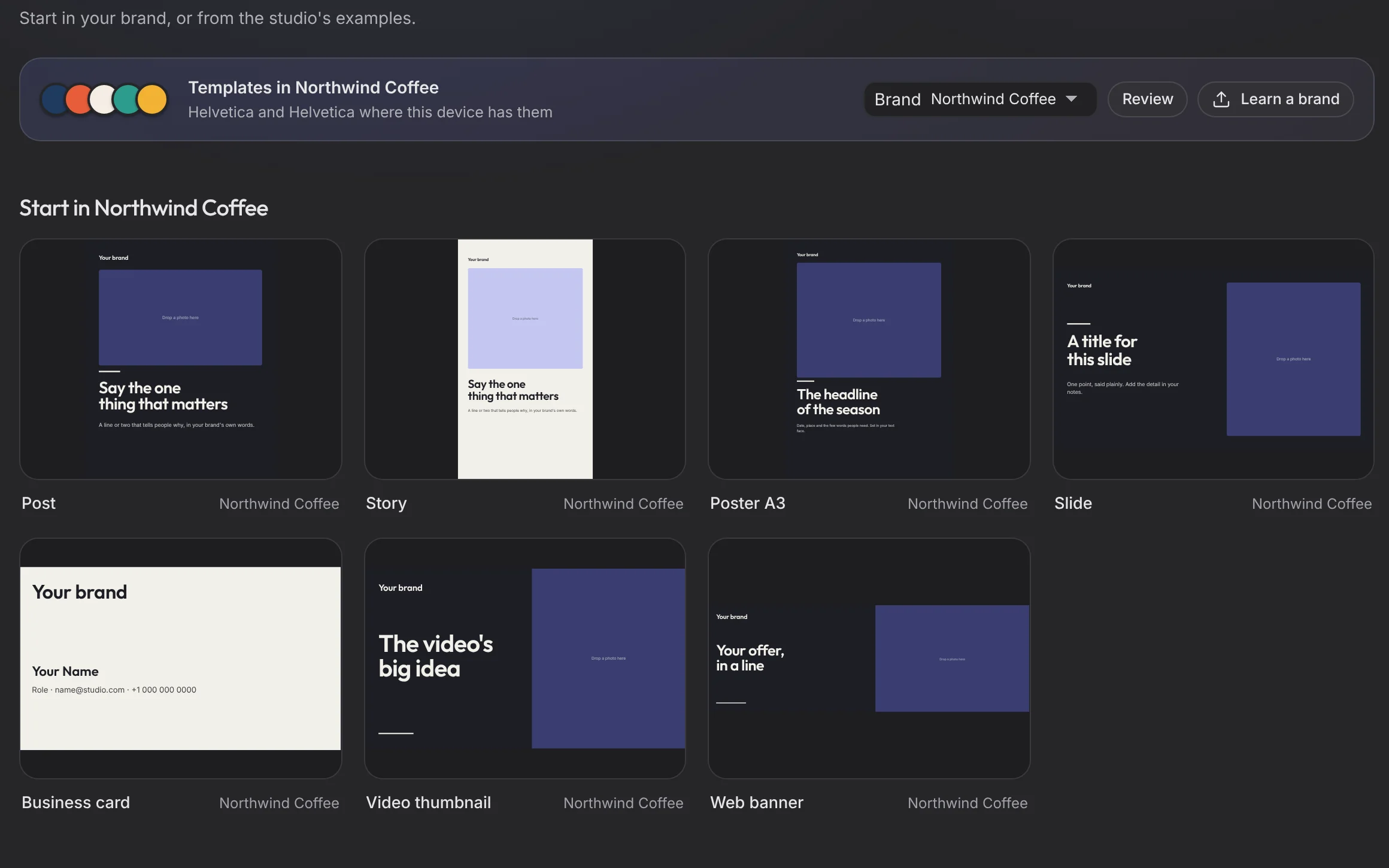
Made in Jefield
Lately
What the newest Jefield does, each said the way the app does it.
Put a frame on a mug, a tote or a phone. Its contents stay editable; bend the surface with Arc, Bend, Perspective or Mesh; Auto fits your design to the slot on its own ground.
The Fontsource library, each family pinned to its exact version, with a Korean filter. Upload your own (WOFF2 too), use the fonts on your computer, and every one goes into your PDFs.
Connect frames, choose Smart animate, and Present plays it the way it will feel. Open in Motion puts the same frame on a timeline.
Two tools: Photo fixes a picture in a minute; Layers is layered editing with masks, adjustment layers and PSD files. Open in moves between them.
A picture placed on a board follows its newest version, unless you keep this version. Back to the project takes you where you came from.
Drop a guidelines PDF: its colours with their roles, its type styles and its grid come in, and Body is the default text.
Pick where you start. It's the same app all the way down.
 DesignersBrands, posters, decksA canvas with real parts and every size.Musicians and DJsCovers, flyers, the mixArtwork and audio side by side.
 ArtistsEvery work, every editPhotographs of your work, graded and kept.StudentsBriefs, crits, portfolioFree, and every version kept.
 StudiosOne place for everythingFiles kept once, on every device.FoundersA brand from day oneThe sheet, the deck, the launch posts.
Opens what you already have
06 / Yours
The promises the code keeps today.
For the five-minute jobs. Nothing is uploaded: it all happens in your browser.
Several PDFs into one, in the order you choose.
OpenThe pages you pick, as a new PDF, in the order you pick them.
OpenSmall enough to send. Pictures to 150 or 300 ppi where they're drawn; text stays text.
OpenPhotos and scans into one PDF.
OpenEvery page as a PNG or JPG, at 72, 150 or 300 dpi.
OpenPNG, JPG and WebP either way, and SVG out as sharp PNGs at up to 4x. To a width, a height or a percentage.
OpenWhat's next
We only call something live when it works. These are what we're building next.
Ask for a poster, a resize, a clean-up, in words. Agents that ask before they change anything. Coming next.
Open files from Google Drive, Dropbox and OneDrive without a second copy. Planned.
Claude working in your library over a local connection, rebuilt for the new app. Coming back.
Creative workspace
Your words open Jefield and wait there for you to keep. Making things from a prompt with AI is coming next.